Project setup and core foundation
Godot version
The latest stable Godot version now is 4.6.2.
Project settings
I set these project settings at the start:
- Max FPS
120 - Window size
1920x1080,Exlusive Fullscreen - Resizable
off - Stretch mode
canvas_items - Scale mode
integer - Debug GDScript
Untyped Declaration Warn
Input mappings
| Key | Description |
|---|---|
| LMB | Move, Interact |
| RMB | Attack, Use spell |
| 1-8 | Use specific belt item |
| C | Open character information |
| I | Open inventory |
| Q | Open quest log |
| S | Open spell book |
| TAB | Open map |
| ESC | Open menu |
Placeholder assets
I will use premade free assets for prototyping and maybe later if they fit for the game art.
For textures I use Screaming Brain Studios assets because they make incredibly good old-school textures royalty free (huge thanks).
Currently, I am not thinking about the music and SFX.
Folder tree structure
I am following Godot best practices and organizing files by functional ownership.
- ...
- demo.tscn
Graybox isometric test map
While trying to set up the tile textures, I realized the assets use a magenta color for transparency. That is probably useful in engines that can easily process and remove the color like a chroma key.
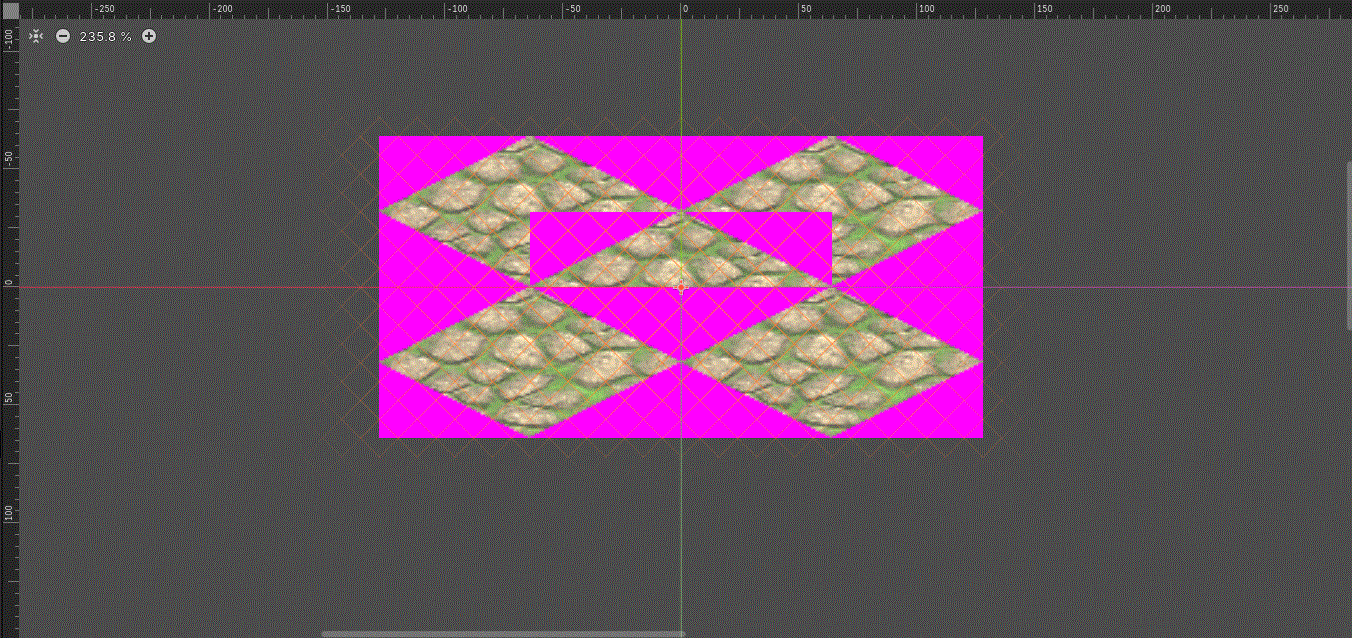
In Godot, I think this is possible with shaders, but I still do not know how much performance would be affected if I applied a shader material to every tile just for this purpose.
So I needed to edit the images myself, and I wrote a small Python script to automate the process.
It was relatively easy to work with because only the magenta color (#ff00ff) needed to have its alpha changed to zero.
import os
from PIL import Image

root_folder = r"/path/to/your/folder"
output_root = os.path.join(root_folder, "transparent")
target_rgb = (255, 0, 255)
tolerance = 20
processed = 0
errors = 0

def is_close_to_magenta(r, g, b, target, tol):
    return (
        abs(r - target[0]) <= tol and
        abs(g - target[1]) <= tol and
        abs(b - target[2]) <= tol
    )

for dirpath, dirnames, filenames in os.walk(root_folder):
    if os.path.commonpath([dirpath, output_root]) == output_root:
        continue

    for filename in filenames:
        if not filename.lower().endswith(".png"):
            continue

        input_path = os.path.join(dirpath, filename)
        relative_subfolder = os.path.relpath(dirpath, root_folder)
        save_folder = output_root if relative_subfolder == "." else os.path.join(output_root, relative_subfolder)
        os.makedirs(save_folder, exist_ok=True)

        name, ext = os.path.splitext(filename)
        output_path = os.path.join(save_folder, f"{name}_transparent.png")

        try:
            with Image.open(input_path) as img:
                img = img.convert("RGBA")
                pixels = list(img.getdata())

                new_pixels = []
                for r, g, b, a in pixels:
                    if is_close_to_magenta(r, g, b, target_rgb, tolerance):
                        new_pixels.append((r, g, b, 0))
                    else:
                        new_pixels.append((r, g, b, a))

                img.putdata(new_pixels)
                img.save(output_path, "PNG")

            print(f"Saved: {output_path}")
            processed += 1

        except Exception as e:
            print(f"Error processing {input_path}: {e}")
            errors += 1

print("\nDone.")
print(f"Processed: {processed}")
print(f"Errors:    {errors}")
print(f"Output folder: {output_root}")
In Jupyter Notebook:
magenta-remover.ipynbNow the textures align perfectly with each other.
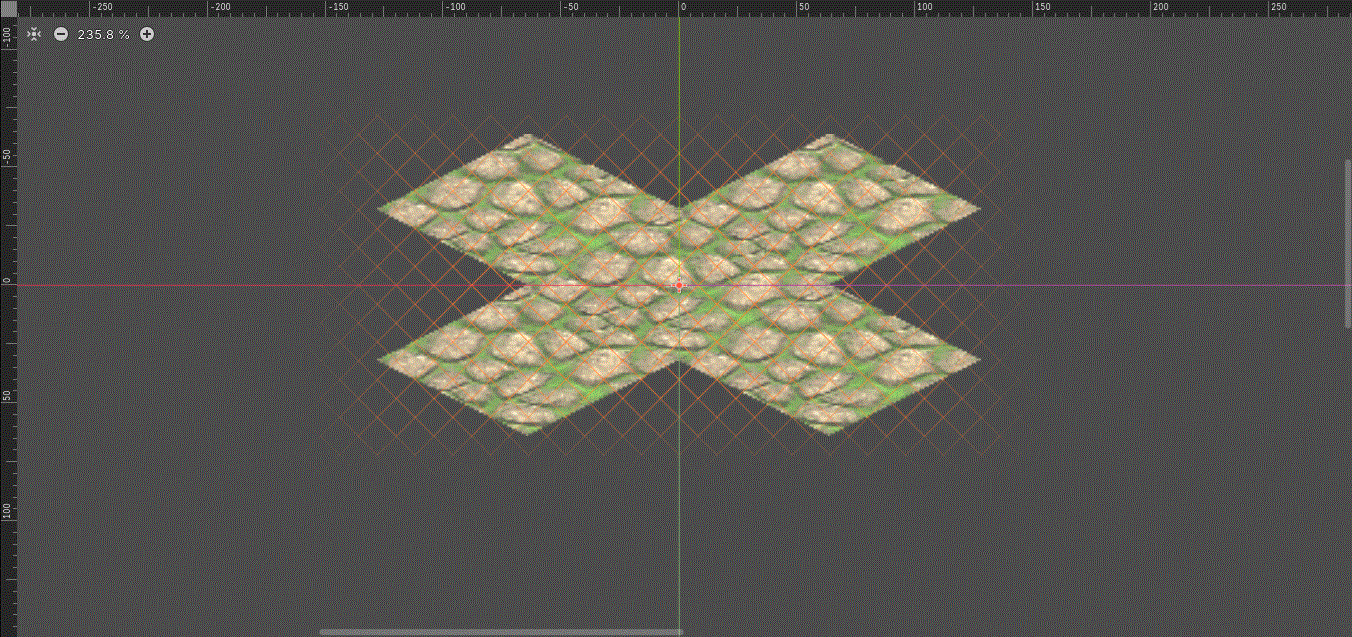
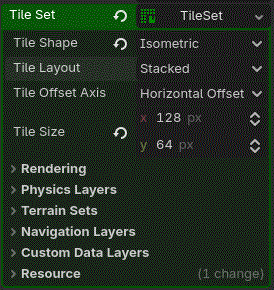
Tile size should be set correctly so the grid matches the texture size: